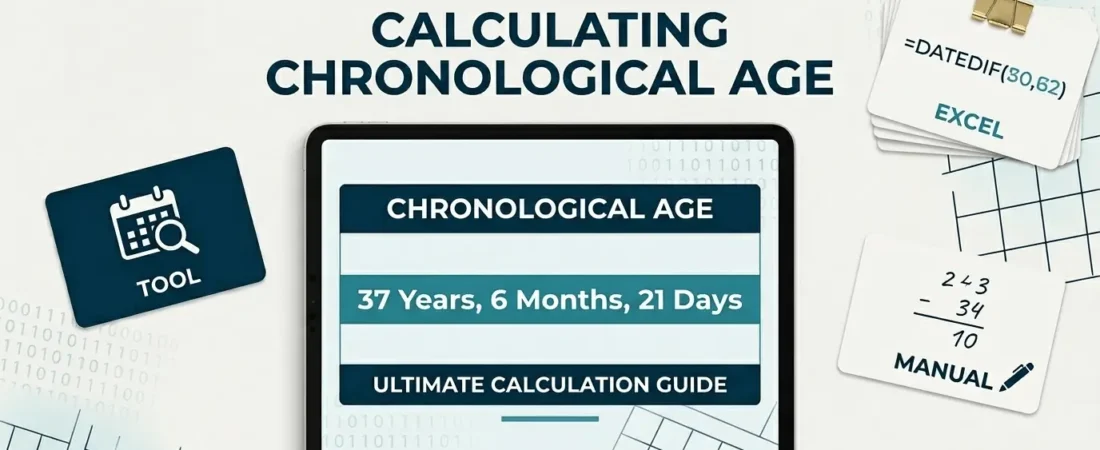
How to Calculate Chronological Age for Standardized Testing (Step-by-Step)
Psychologists, school psychologists, speech-language pathologists, and early intervention specialists all run into the same small but high-stakes task: calculating a child’s exact chronological age before looking up a score in a test manual. Get it wrong, and the wrong row of the norming table gets used — which can shift a standard score, a percentile rank, or an eligibility decision.

This guide walks through the exact method, common failure points, and how to double-check your work.
Step 1: Confirm Your Two Dates
You need exactly two dates:
- Date of birth — from the birth certificate or intake form, not a verbal report.
- Date of testing — the actual day the test was administered, not the day it was scored.
If a test was given across multiple sessions, most manuals specify using the first day of testing as the reference date. Check your specific manual if the assessment spanned more than one day.
Step 2: Subtract Year, Month, and Day Separately
Line the two dates up in year / month / day columns and subtract each column independently:
          Year   Month   Day
Test:     2026     7      14
Birth:    2015     6      20
        -------  -----  -----
Subtract straight down each column. In this example: 2026 − 2015 = 11 years, 7 − 6 = 1 month, 14 − 20 = −6 days.
Step 3: Borrow When a Column Goes Negative
This is the step most manual calculations get wrong.
If the days column is negative: Borrow one month from the months column, and add the number of days in the month before the test month to the days column.
In the example above: borrow 1 from the months column (1 becomes 0), and add the days in June (30) to −6, giving 24.
Watch for this trap: if the birth date falls on the 29th, 30th, or 31st, the month you’re borrowing from may have fewer days than that. A birth date of January 31st tested in early March, for instance, may need to borrow across more than one month, because February often only has 28 or 29 days. When this happens, keep borrowing back one more month until the days column is zero or positive.
If the months column is negative (after the above borrow): Borrow one year from the years column, and add 12 to the months column.
Step 4: Apply Rounding Rules — Only If Your Manual Says To
Some manuals (check yours specifically) instruct you to round the age up to the next month if the remaining days are 16 or more, and to drop the days if 15 or fewer. This is a scoring-table convention, not a universal math rule — apply it only if the manual you’re using calls for it, and never round before you’ve finished the borrowing steps above.
Step 5: Look Up the Corresponding Age Band
Once you have a final years/months/days figure (rounded or not, per your manual), match it to the correct row in the norming table. Double-check the age band boundaries — some tables switch bands mid-month, so a single day’s difference in your calculation can bump a score into a different bracket.
Common Mistakes That Change a Score
- Using the scoring date instead of the testing date as the reference point.
- Forgetting to borrow days when the day-of-month subtraction goes negative, resulting in a nonsensical negative number.
- Not accounting for short months (February, or 30-day months) when borrowing, especially with birth dates on the 29th–31st.
- Applying a rounding rule the manual doesn’t actually specify, or applying it before finishing the borrow steps.
- Typing the wrong year when a test happens in early January for a child born late in the year — an easy slip when working quickly.
Skip the Manual Math
Because the borrow logic has a few edge cases (particularly around month-end birth dates), it’s worth running the calculation through a dedicated tool rather than doing it by hand under time pressure. A chronological age calculator that uses this exact borrow method will also flag the years/months/days breakdown in the format your norming tables expect, rather than a plain day-count.
Summary Checklist
- Confirm the correct date of birth and date of testing (first day, if multi-day)
- Subtract year, month, and day columns independently
- Borrow across months/years when a column goes negative, watching for short-month edge cases
- Apply rounding only if your specific manual calls for it
- Match the final years/months/days figure to the correct row in your norming table